Monitoring CPU/Memory
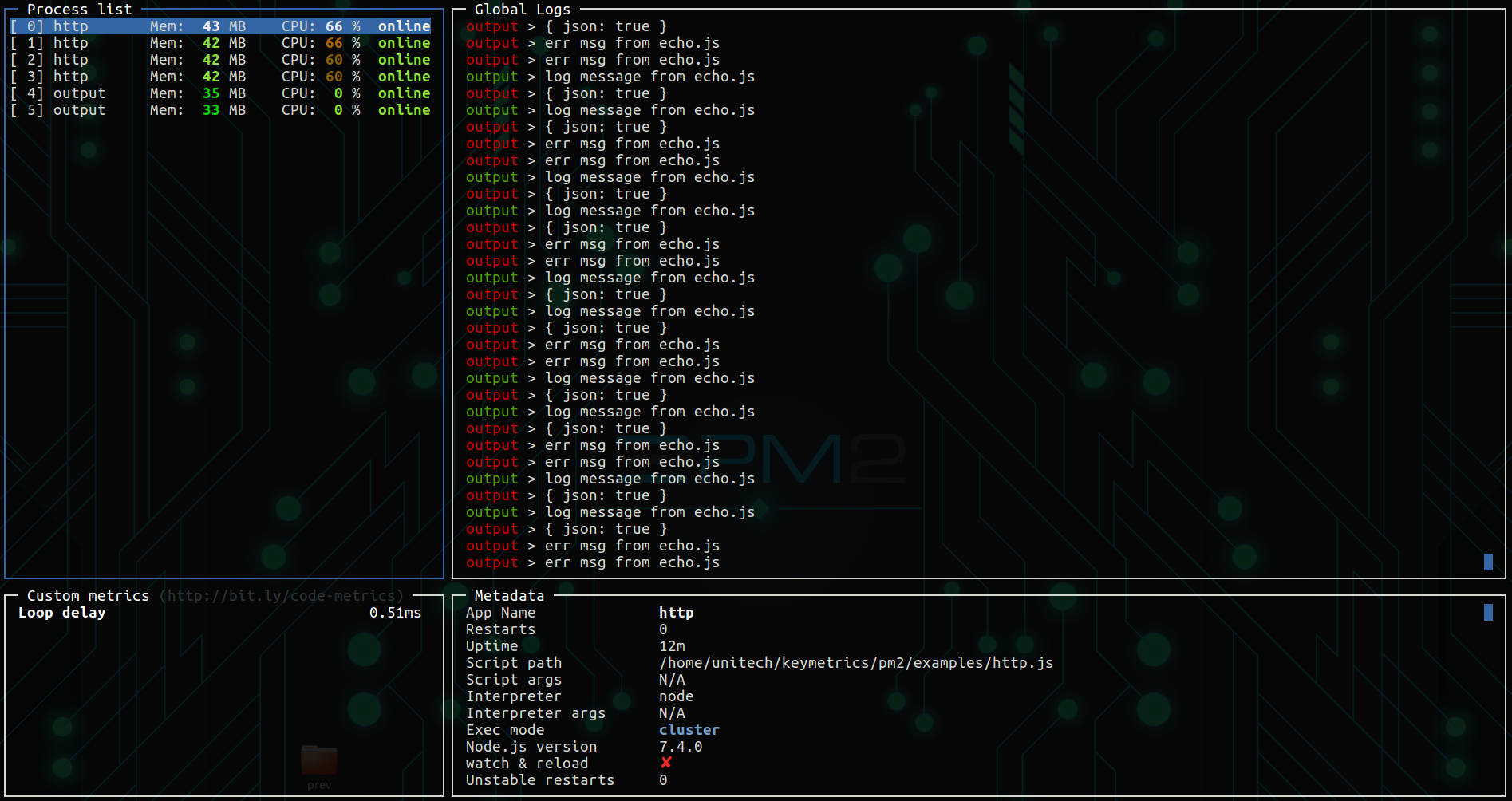
PM2 gives you a simple way to monitor the resource usage of your application. You can monitor memory and CPU easily and straight from your terminal:
pm2 monit
pm2 monit (or pm2 dash) preloads the last 200 log lines (out + err merged) of every process. Use --lines <n> to display more:
pm2 monit --lines 1000
Ctrl+Up / Ctrl+Down (or PageUp / PageDown) scroll the focused log pane page by page. Press q or Esc to exit.
PM2.io
If you manage your Node.js application with PM2, we invite you to try PM2.io. It makes monitoring and managing applications across servers easier than ever.
Feel free to try it: Discover the monitoring dashboard for PM2
Memory threshold
PM2 allows to reload (auto fallback to restart) an application based on a memory limit. Please note that the PM2 internal worker (which checks memory and related), starts every 30 seconds, so you may have to wait a bit before your process gets restarted automatically after reaching the memory threshold.
If you manage your Node.js application with PM2, we invite you to try PM2.io. It makes monitoring and managing applications across servers easier than ever.
pm2 monitor
Feel free to try it: Discover the monitoring dashboard for PM2
Contribute to this page